
A page displaying Betnjet Casino on a smartphone may look like a conventional application even when all the content is delivered through a browser. The distinction matters because a browser and installed software have different update mechanisms, device permissions and sources of technical risk. There is no independently established native Betnjet application for Android or iOS in the information reviewed here.
The discussion below explains common mobile technologies and the information that should remain visible on a financial interface. It also considers the consequences of interruptions, the handling of personal records and the effect of persistent access on gambling behaviour. Viewing a public page and using a regulated gambling account are different activities. A working display does not establish either local eligibility or the security of an operator.
| Mobile formats | Browser page or web application |
| Common Android browsers | Chrome, Firefox, Samsung Internet |
| Common iOS browsers | Safari, Chrome |
| Payment technology examples | Visa, Mastercard, Skrill, Neteller, PayPal |
| Display priorities | Visible currency, balance type and rules |
| Device protection | Updates, publisher checks and limited permissions |
Identifying the software behind the icon
An icon on the home screen can represent a bookmark, a browser-based application or a separately installed program. These objects may look almost identical from the user's perspective. A bookmark opens an address in a browser, while a web application may have its own window and store some information locally. A native program generally has code installed through a software distribution mechanism.
The source of an installed application is important because the code may handle credentials or request permissions. An unofficial download carrying the name Betnjet cannot be presumed to have been published by the operator. A familiar logo provides little protection against impersonation. An unknown program should not be installed merely because it claims to provide more convenient access to a casino.
A distribution channel can also provide information about updates and the identity of a software publisher. It does not, by itself, certify the legality of the associated gambling service in a particular location. Software availability and gambling authorisation involve different decisions by different organisations. It is possible for a browser to render a website that is not permitted to serve the person viewing it.
Browser environments on Android
Common Android browsers include Chrome, Firefox and Samsung Internet. The exact behaviour of a site may vary with the browser, the device's operating system and the permissions granted to the software. A page that appears correctly on one phone may not display in the same way on another, particularly when the screen size or text scaling differs.
Some messaging and social media applications display web content inside their own windows. These embedded views can provide fewer visible controls than a dedicated browser. When an interface asks for account or payment details, the absence of a clearly identifiable address can make it harder to assess the intended recipient. A person should not assume that an embedded page belongs to a particular business simply because it was opened from a message using that business's name.
Mobile permissions also warrant separate attention. A browser may be able to request a camera, microphone or location permission, but the ability to request access does not establish that access is necessary. Reading general information about Betnjet does not require the browser to obtain a user's contact list or unrelated personal records. Permissions should reflect a genuine purpose rather than being granted as a routine response to every prompt.
iOS and differences in presentation
Safari is a familiar browser on the iPhone, and other browser applications are also available. Display behaviour may be influenced by accessibility settings, the operating system version and the dimensions of the device. An interface may scroll correctly in one orientation yet conceal an important confirmation control in another. This is particularly consequential when monetary information is involved.
A page added to the home screen can resemble a full-screen application. It may not show the usual browser address area as prominently as a standard window. While this can simplify the presentation of ordinary web services, it can reduce the cues available to a person assessing the origin of a sensitive form. A service that conceals its destination should not be trusted solely on the strength of its appearance.
The lock screen is another part of the mobile experience. Notifications can reveal the name of a service or the contents of an account-related message to other people nearby. They can also prompt a person to return to a gambling service unexpectedly. Reducing commercial notifications and disabling sensitive message previews may support both privacy and personal control over screen use.
Small screens and financial clarity
The same numerical value can have very different meanings depending on whether it refers to a stake, the available account balance or a promotional amount. A mobile interface must make those distinctions visible. The abbreviation of numbers or the removal of a currency symbol to save screen space can create confusion about the actual amount involved.
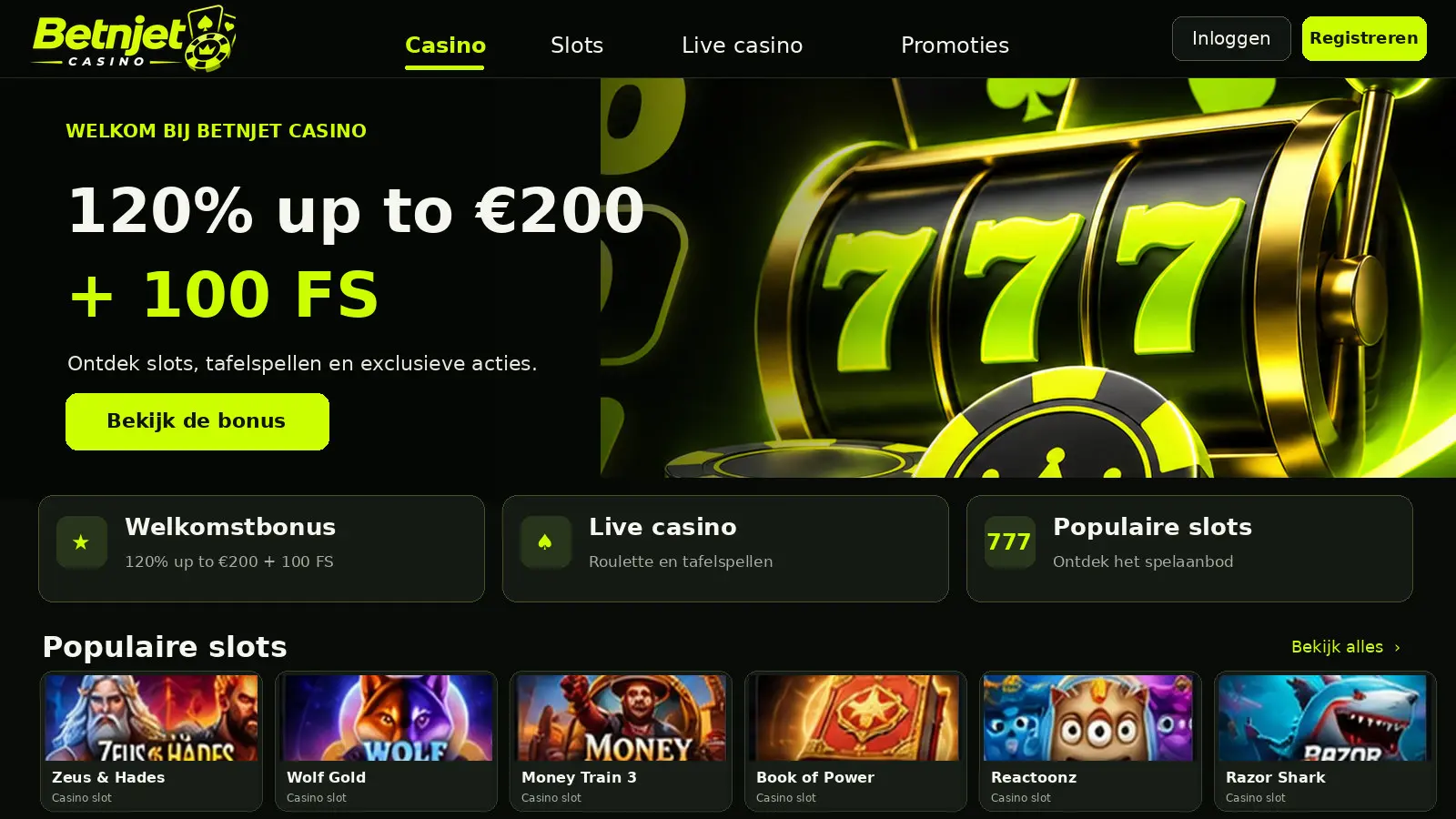
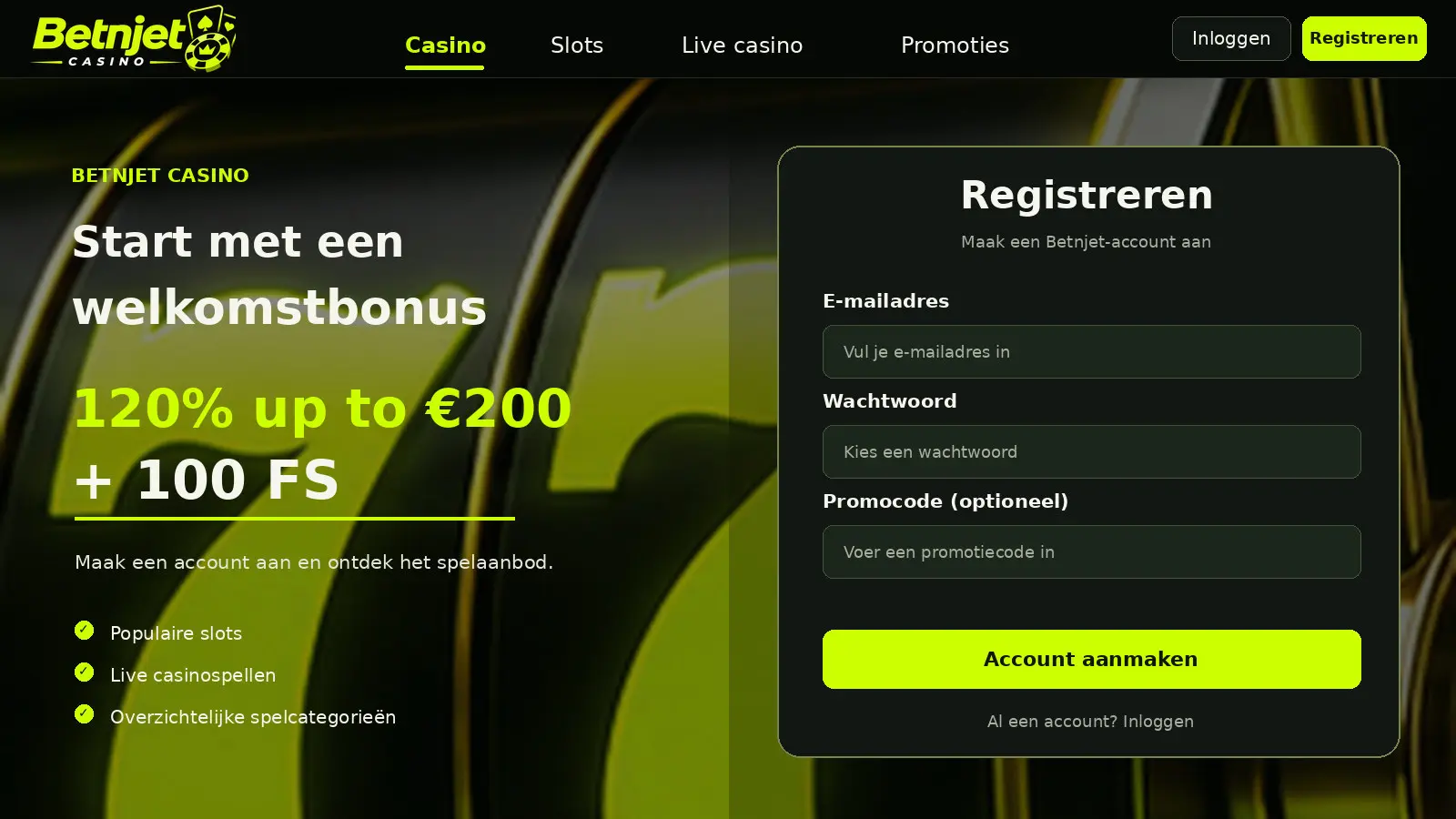
Betnjet's stated welcome offer of 120% up to €200 + 100 free spins illustrates this issue. The headline can occupy most of a promotional card, leaving the conditions accessible through a separate area. A consumer who sees only the headline has not necessarily seen the duration or restrictions associated with the offer. A compact interface should not make those material conditions more difficult to locate.
Text scaling and accessibility features are relevant when someone is attempting to understand an account agreement. If an overlay prevents the user from reading the underlying terms, the appropriate response is not to accept the agreement blindly. A page that displays an attractive banner but obscures essential information has failed an important usability test, regardless of its visual design.
Interruptions and recorded game events
Mobile connections can switch between wireless networks and cellular service. An interrupted stream may display an outdated image while the operator's records already reflect a later event. This distinction is particularly relevant to live dealer products, where a video image and an electronic instruction can travel through different components of the system.
If a person already has a disputed round, a record of its identifier, the approximate time and the relevant account movements may help establish what happened. Repeatedly pressing a control because an animation appears frozen can create additional instructions or make the issue harder to reconstruct. A visual interruption should not be interpreted as an opportunity to repeat a monetary action.
External payment screens and identity records
International online payments may involve card networks, electronic wallets or bank authorisation services. Visa, Mastercard, PayPal, Skrill and Neteller are examples of familiar payment technologies, not a tested list of mobile Betnjet options for every country. A payment process may transfer the user to an external interface whose data handling and security arrangements differ from those of the original website.
A request to approve a payment should always be understood as a financial instruction with a particular recipient and amount. A one-time code used for that purpose is not an ordinary customer support reference. Giving that code to another person could allow an unwanted action to be authorised. The same distinction applies to a wallet recovery phrase, which is a credential rather than a document describing an existing transfer.
Where identity verification is necessary for an existing account, a mobile camera may make it easy to create a digital copy of a document. The resulting file contains information that can remain sensitive after the original task is complete. It matters which service receives the copy, why it is required and how the transfer is protected. An unexplained request from an unofficial message channel should not be accepted as proof of a legitimate verification procedure.
Keeping account enquiries proportionate
Technical support can investigate different types of problems when the relevant facts are identified. The name and version of a browser, a visible error description and the approximate time may be enough to describe a display problem. A full screenshot of a financial application may reveal far more information than is necessary for that purpose.
If a credential has been exposed, the priority is to protect the affected account and the associated financial services. Changing unrelated visual settings is not a substitute for addressing an access problem. A consumer can seek assistance from the relevant provider while avoiding unsolicited requests for additional payments or sensitive identity material.
Accessibility without constant exposure
A smartphone is often used during very short periods of free time. That makes a gambling service different from an activity that requires a planned visit to a physical location. Repeated brief sessions can produce considerable aggregate financial exposure, and the individual moments may be difficult to recall later.
Removing an icon, limiting commercial messages or using device-level blocking measures can create useful separation from gambling content. If a person has chosen to stop, the goal is to make that decision easier to maintain rather than to preserve an alternative way to access a service. An application format cannot override local restrictions or a personal exclusion decision. The value of understanding the mobile environment is that it helps consumers recognise technical and financial risks without requiring them to participate.